What Do Apps Label the Decline Button on Notification Priming Screens?
- By Ali Abouelatta
- n = 74
- Published
- Updated
- 2 min read
- notifications · onboarding · ux-patterns · design
Short answer
Across 74 apps with a custom notification screen in Lazyweb Research's corpus, 'Not Now' is the dominant soft-decline label (18 apps), ahead of 'Skip' (8) and 'Maybe Later' (5) source[1]. 'Not Now' wins because it declines without sounding permanent — the user can be re-asked. If you are choosing decline copy, 'Not Now' is the corpus default.
'Not Now' is the most common notification-decline label (18 of 74 apps), more than double 'Skip' (8) — Lazyweb Research, July 2026.
Bar chart · Apps
Apps — The finding
One block is about 0.6 Apps
- Not Now
- 18
- Skip
- 8
- Maybe Later (anecdote)
- 5
The finding
Decline-CTA wording on custom notification screens, counted per app across 74 apps source[1]:
| Decline label | Apps |
|---|---|
| Not Now | 18 |
| Skip | 8 |
| Maybe Later (anecdote) | 5 |
'Not Now' is the clear front-runner and the standard soft decline. 'Maybe Later' (5 apps) falls below the reporting threshold and is anecdote-only — Adobe Acrobat uses it ('Allow notifications' / 'Maybe later') source[1]source[2].
Why 'Not Now' dominates
'Not Now' communicates a temporary decline: it does not fire the OS-level 'Don't Allow' (which permanently denies the permission), so the app keeps the option to re-prime later. A priming screen with a 'Not Now' escape is precisely what lets the ~63% of apps that prime preserve a second chance at the real OS dialog.
How to apply it
Default to 'Not Now' for the decline on a priming screen. Reserve 'Skip' for onboarding steps where the user is skipping a whole section rather than declining a specific ask. Avoid making the decline invisible or absent — Apple Fitness shows a single Continue with no visible decline, but that removes the user's soft-out and can feel coercive source[2].
Caveats
Uses the broad 74-app custom-notification set source[1]. 'Maybe Later' (5 apps) is below the n=8 threshold — anecdote only, name Acrobat source[1]source[2]. Counts are per-app regex matches on captured copy; an app may use more than one decline label across screens.
Real in-market screens
Screens from real, in-market apps, tracked by Lazyweb Research.
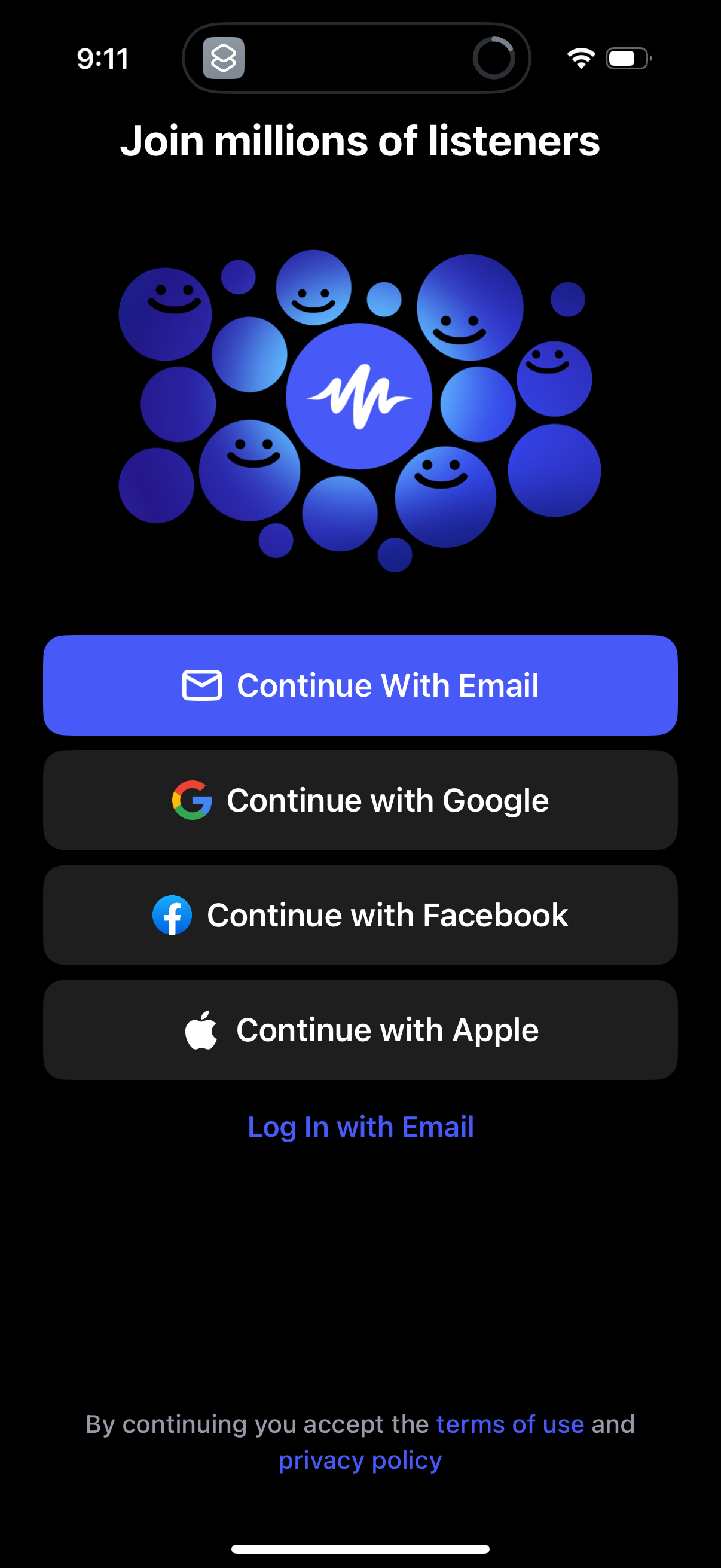
Speechify1206 × 2622opens the full image 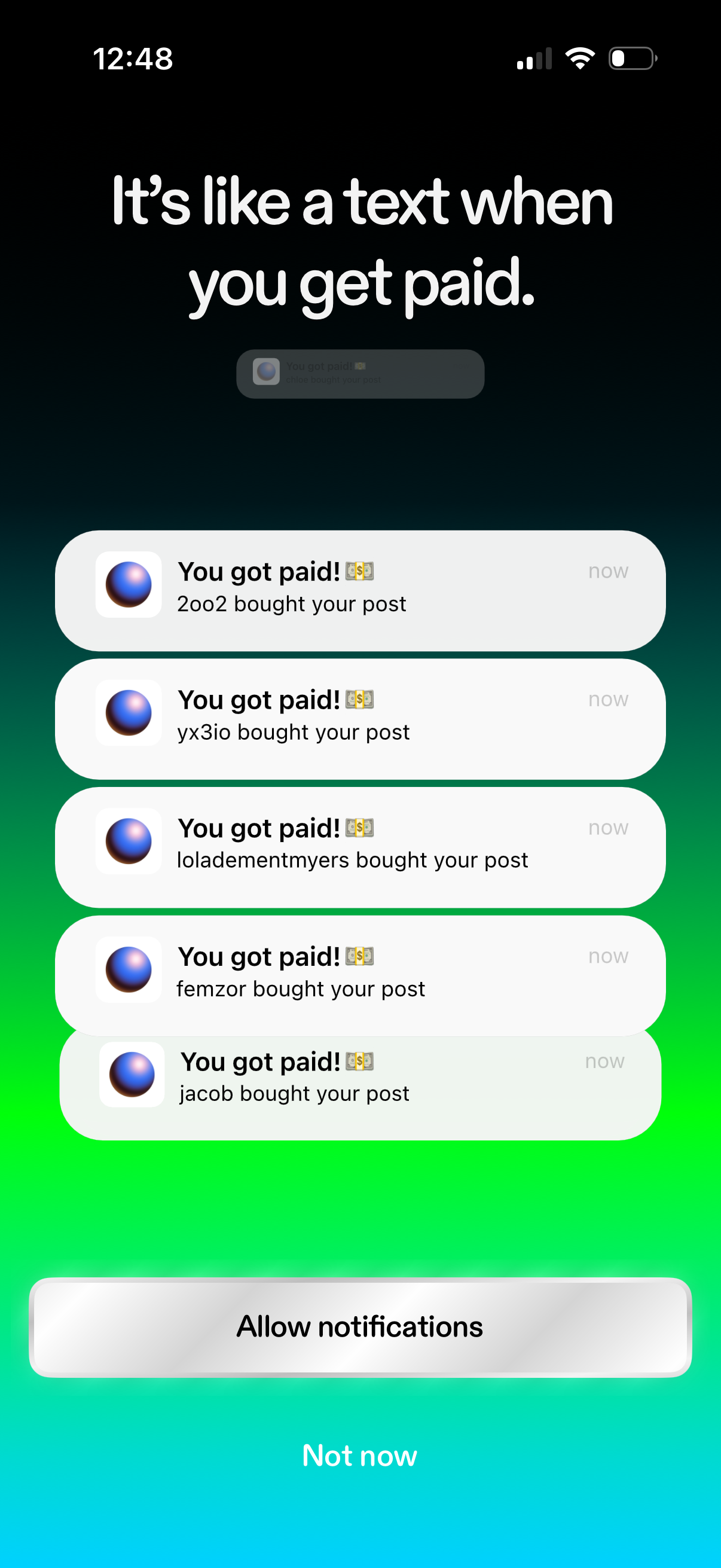
Zora1206 × 2622opens the full image 
Freenote1206 × 2622opens the full image 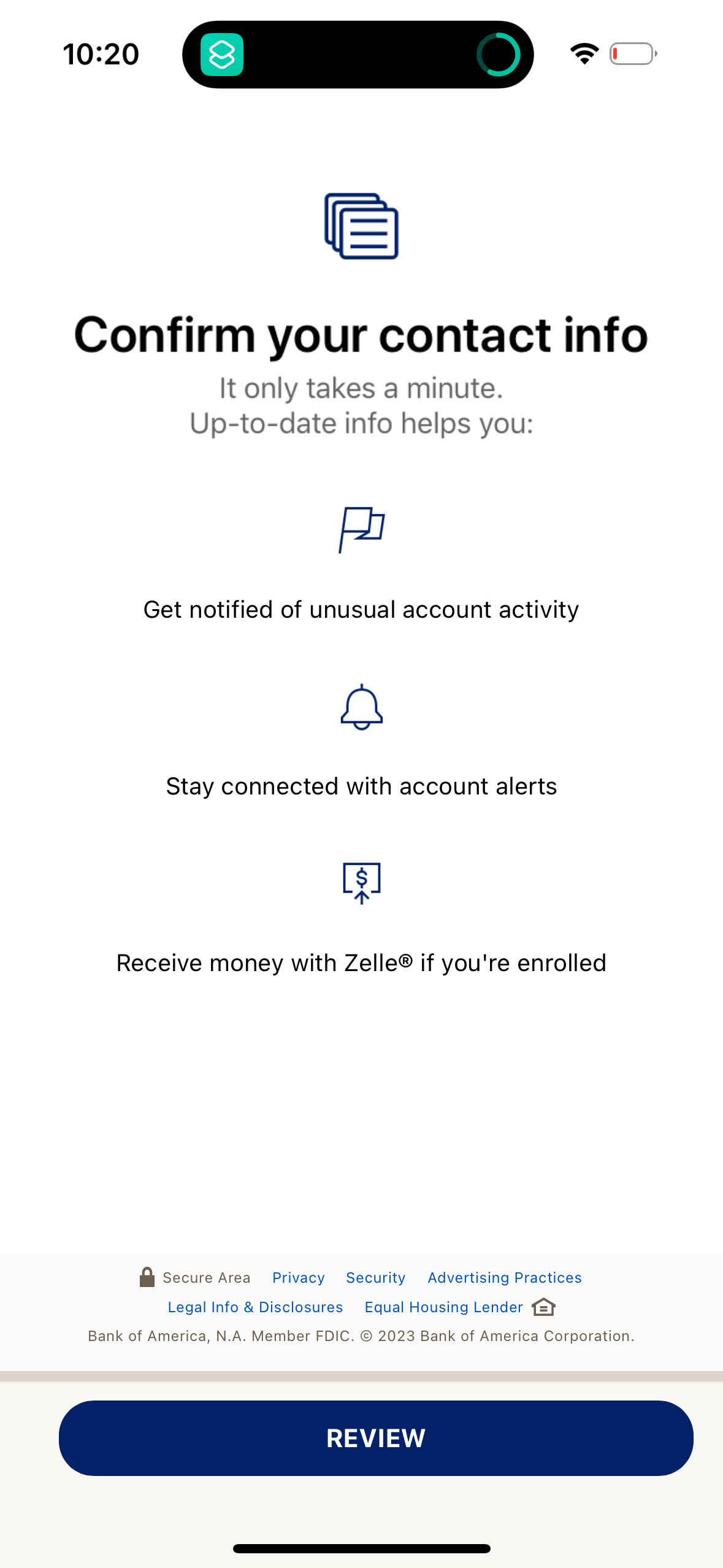
Bofa1179 × 2556opens the full image
The numbers
| # | Stat | Computed from |
|---|---|---|
| [1] | Not Now 18/74, Skip 8/74, Maybe Later 5/74 | priming_decline_cta_patterns: per-company bool_or of CTA regexes over non-OS-dialog notification screens |
| [2] | Named examples: Adobe Acrobat ('Maybe later'), Apple Fitness (single Continue, no decline) | qualitative: acrobat, apple-fitness CTA evidence |
Methodology
Universe: 74 apps with a custom notification screen (broad label set, of 807), July 2026. Decline labels via per-app vision-description regexes; labels below n=8 (Maybe Later) are anecdote-only.
Sources
- [1]
Lazyweb Research analysis of 74 apps (custom notification screens, 807-app corpus), July 2026
Decline-CTA wording via vision-description regexes; 'Maybe Later' below the n=8 threshold.
- [2]
Lazyweb Research qualitative review (807-app corpus), July 2026
Acrobat ('Maybe later'), Apple Fitness (no visible decline) cited as named examples.
Source: Lazyweb Research — proprietary analysis of real, in-market app screens. Cite as Lazyweb Research, 2026-07-07.