How many questions should an onboarding personalization quiz ask?
- By Ali Abouelatta
- n = 119
- Published
- Updated
- 2 min read
- onboarding · signup · ux-patterns · experiments · mobile
Short answer
Across 119 quiz apps, the average is 3.9 captured question screens with a p90 of 10 and a long tail to 65.source[1] Don't anchor on the median of 1 — it reflects apps with only one or two captured quiz screens, not one-question quizzes.source[1] For a real personalization quiz, plan for roughly 4 to 10 questions and validate depth against your vertical.
Quiz apps average 3.9 question screens (p90 of 10, max 65) — Lazyweb Research, July 2026.
Bar chart · Apps
Apps — The distribution
One block is about 2.2 Apps
- 1 captured
- 62 of 119[1]
- 2–4
- 33 of 119[1]
- 5–9
- 11 of 119[1]
- 10+
- 13 of 119[1]
The distribution
Across 119 quiz apps, captured question screens per app average 3.9, with p90 at 10 and a maximum of 65.source[1]
The median is 1 only because 62 apps have a single captured quiz screen. The methodology explicitly warns against headlining that median — use the average, the p90, and the leaderboard to characterize real depth.source[1]
How to apply it
If you want light personalization, 2 to 4 questions matches the modal cluster (33 apps).source[1] If you want a full quiz-to-plan flow, the depth players sit at 10+ (13 apps).source[1] Going past ~10 questions puts you in the top decile — justify every screen, because each one is a drop-off opportunity.
Map each question to a downstream personalization it drives. If a question doesn't change the plan, feed, or paywall, cut it.
Caveats
These are captured question screens from LLM vision descriptions (~94% coverage), not a guaranteed count of every question a user answers.source[1] Apps with a single captured screen may run longer quizzes that weren't fully captured, so the low end is a floor. Use the average (3.9) and p90 (10) as your planning band, not the median.
Real in-market screens
Screens from real, in-market apps, tracked by Lazyweb Research.

Bumble1206 × 2622opens the full image 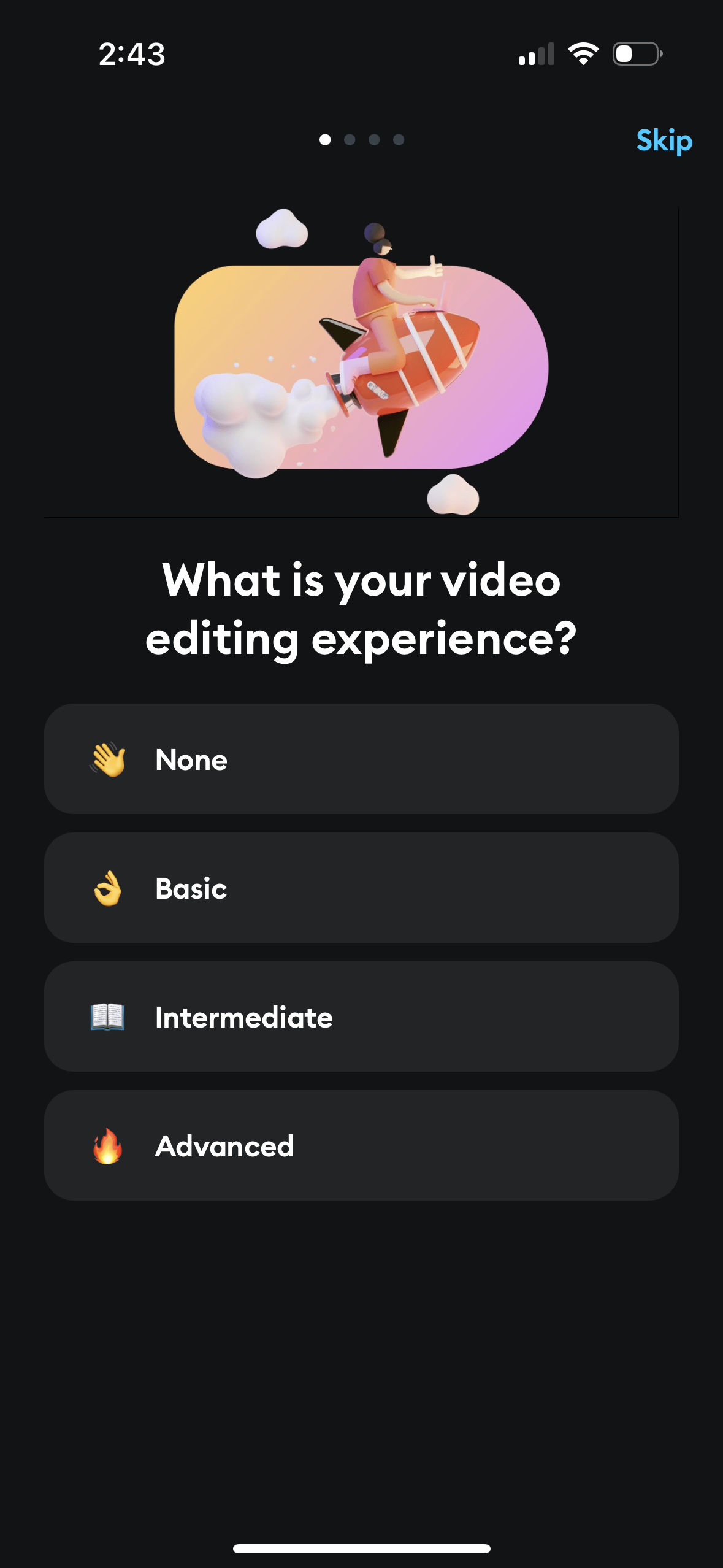
Splice1179 × 2556opens the full image 
Clubhouse1206 × 2622opens the full image 
Justfit1170 × 2532opens the full image
The numbers
| # | Stat | Computed from |
|---|---|---|
| [1] | avg 3.9 question screens, median 1, p90 10, max 65; 62 apps 1, 33 apps 2-4, 11 apps 5-9, 13 apps 10+ | quiz_question_count_distribution across 119 apps |
Methodology
Universe: 119 quiz apps in the Lazyweb vision corpus. Method: count of distinct captured quiz-question screens per app via regex over vision_description, July 2026. Caveat: median of 1 reflects single-capture apps, not one-question quizzes; use average and p90.
Sources
- [1]
Lazyweb Research analysis of 119 apps (Lazyweb onboarding-quiz corpus), July 2026
Per-app distinct captured quiz-question screens; avg 3.9, median 1, p90 10, max 65; buckets 62/33/11/13. Median is depressed by single-capture apps; do not headline it.
Source: Lazyweb Research — proprietary analysis of real, in-market app screens. Cite as Lazyweb Research, 2026-07-07.
Explore the evidence
- Full 45-frame August 2026 capture
- Three captured screens · August 2026